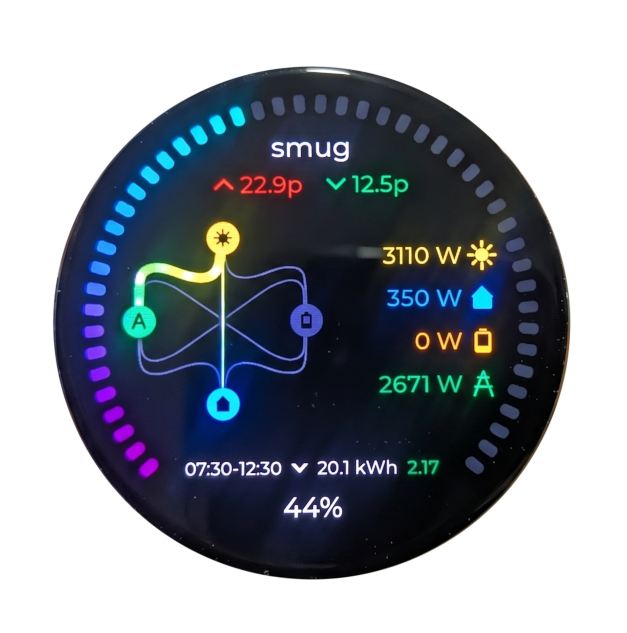
Setting up your Smug Bug
- Download the Smug Energy App from the Apple or Google Play store.
- Power up your Smug Bug using a USB C cable.
- Sign into the app, and add a property.
- Select your inverter brand and follow the instructions on screen. For some brands of inverter you need to connect to the inverter’s cloud account first, and then add the Smug Bug afterwards. For other brands you connect the Smug Bug first.
- The phone should discover the Smug Bug via bluetooth if they are in the same room, and should prompt you to choose a WiFi network.
- Select the network, and enter the WiFi password.
- If all has gone well, that’s it! The Smug Bug should connect to your inverter over the local network, and then transmit readings from the inverter to our secure cloud. You can then view the status of your battery and inverter from both the Smug app and the Smug Bug in-home display.
Need help? Just drop us a line at hello@smug.energy.